Alus
Docked security hardware · Bench-tested Pi Zero interface
Die-cast zinc chassis with internal stiffening ribs and working prototype electronics.

At a glance
Role
Industrial designer and prototyper
Focus
Crypto cold wallet · Zinc Die Casting Challenge
Skills
Zinc · biometric · dial
The problem
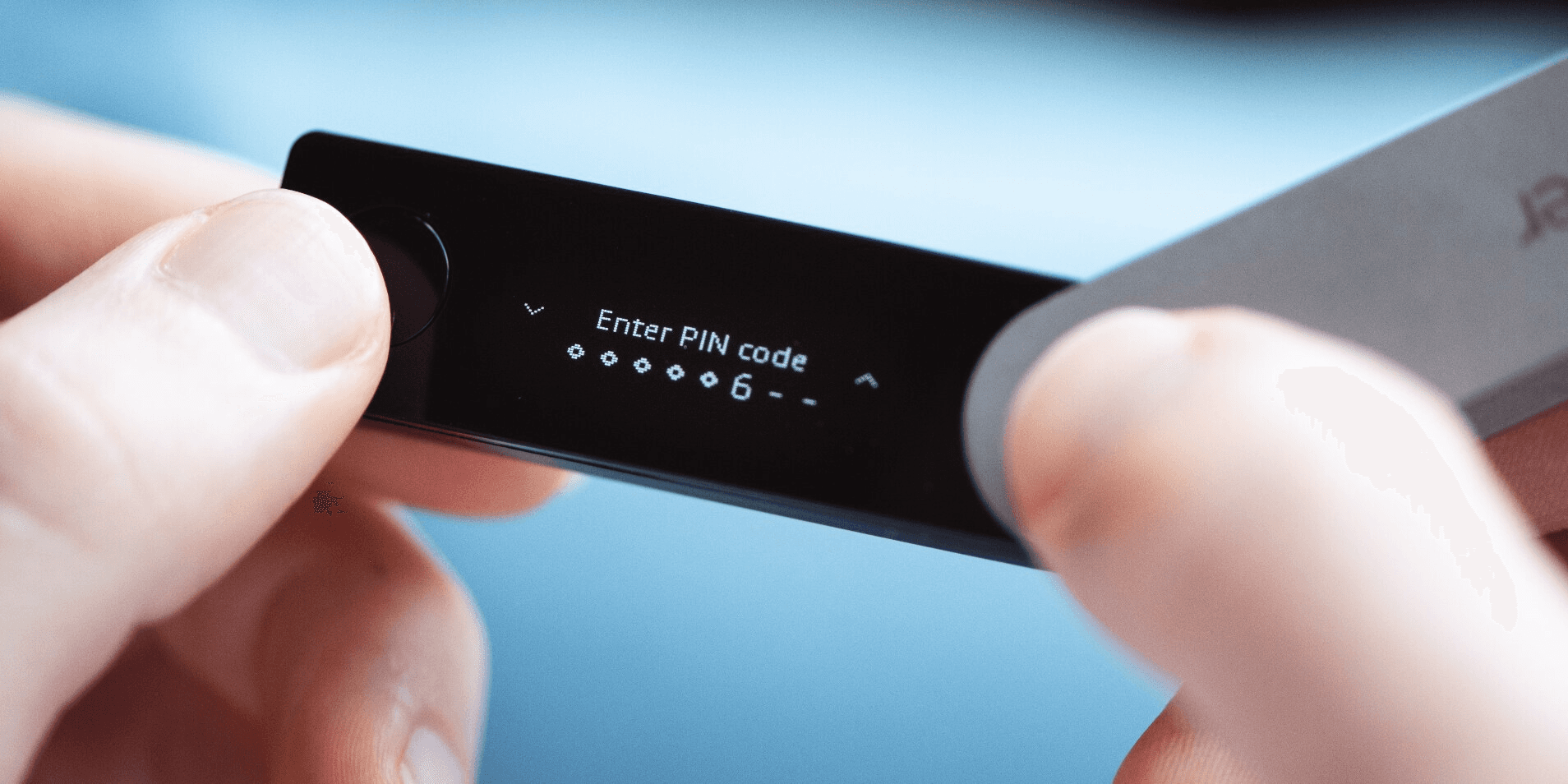
Most hardware wallets are a PIN and a plastic stick.
Slow to unlock. No weight in the hand. Easy to lose.
The Stax and the Nano X still run on PIN entry and two buttons.
Competitive benchmark
Biometric authentication is still missing from the market leaders.
Ledger Stax
Ledger Nano X
Alus
Interface
Curved touchscreen
Two mechanical buttons
Infinite-scroll dial + 1 press
Security
PIN code
PIN code
Biometric sensor + PIN
Screen type
Curved E-Ink
OLED (non-touch)
Deadface dot matrix
Connectivity
Bluetooth, NFC, Qi charging
Bluetooth & USB-C
NFC + wireless charging
Housing material
Aluminum & plastic
Brushed stainless steel
Zinc die-cast (EMI shielded)
Price
$399
$149
Concept brief
Zinc die-cast housing to protect a biometric sensor and deadface display.
· Zinc housing adds EMI shielding around the electronics
· 0.05″ zinc walls with a haptic infinite-scroll dial
· Infinite-scroll dial + 1 press vs Stax touchscreen / Nano X two buttons
· Biometric + PIN. Deadface dot matrix. NFC + wireless charging. Zinc die-cast (EMI shielded).
Sketches
From pencil sketches to CAD prototypes.


Form studies
Thumbnails of body shapes.

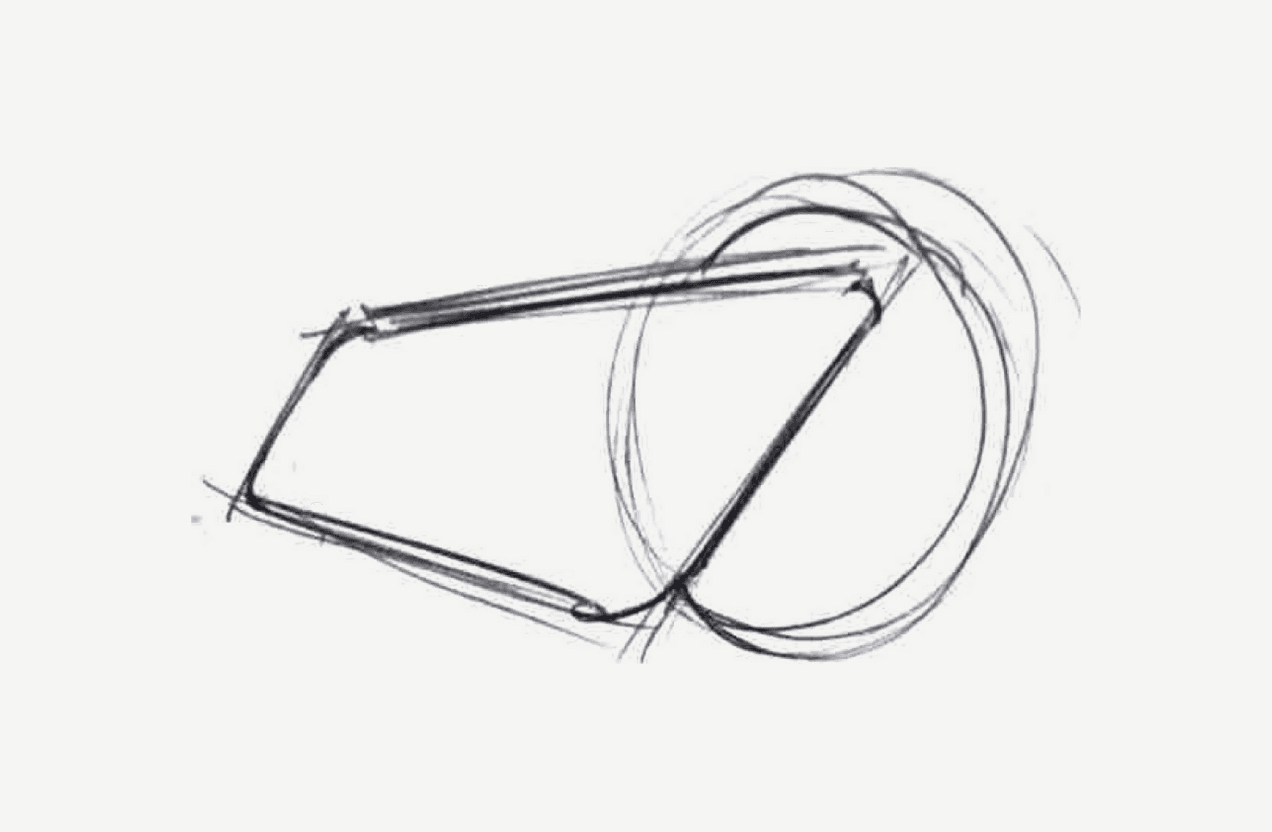
Single forms
Two bodies, each with a round dial.

Sixteen variants
Variations on dial placement and body shape.

CAD prototypes
Two colorways, each with a dial on the corner.
Process
CAD iterations
Drawing sheet
Side, plan and isometric views of early housings, dated 5/3/26.

Assembly

01 · 600-px dot matrix
Deadface top cover.
02 · Raspberry Pi Zero
Board sits under the display.
03 · Infinite-scroll dial + scroll sensor
Dial and its sensor stack to the right of the board.
04 · NFC sensor
Coil under the board. Pairs with the wireless dock.
05 · Biometric sensor
Set into the wall of the zinc frame.
06 · Zinc housing frame
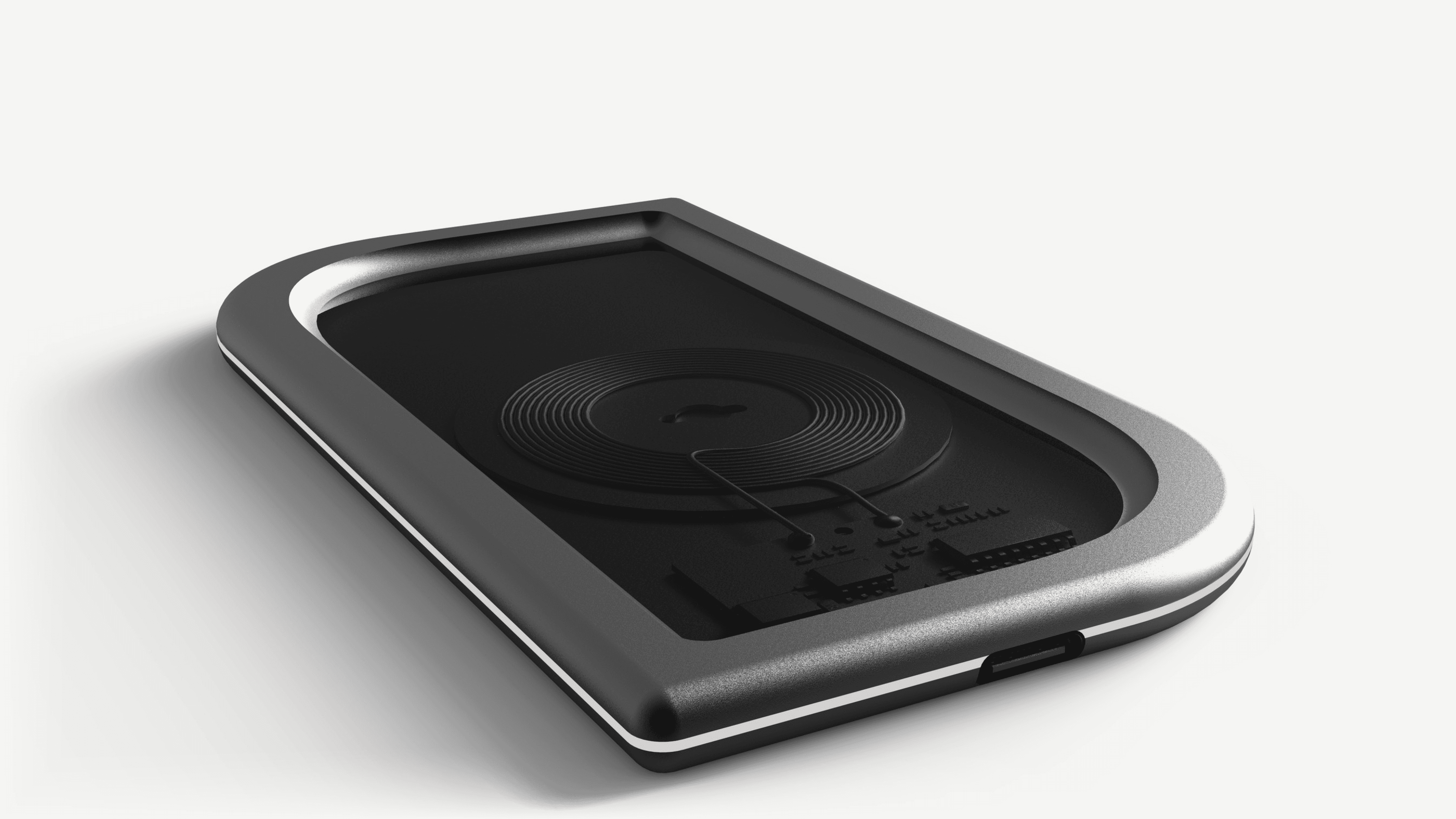
Die-cast body the sensor and dial sit in; it drops onto the wireless charging dock.
07 · Wireless charging dock
Wireless charging coil and USB-C in.
Details
Biometric sensor, scroll dial and profile on the dock.

Profile on the dock

Biometric sensor

Scroll dial
Screen
Deadface dot-matrix display.


Dashboard
Fingerprint unlocks the docked dashboard.

Dock
Wireless charging dock.
Charging
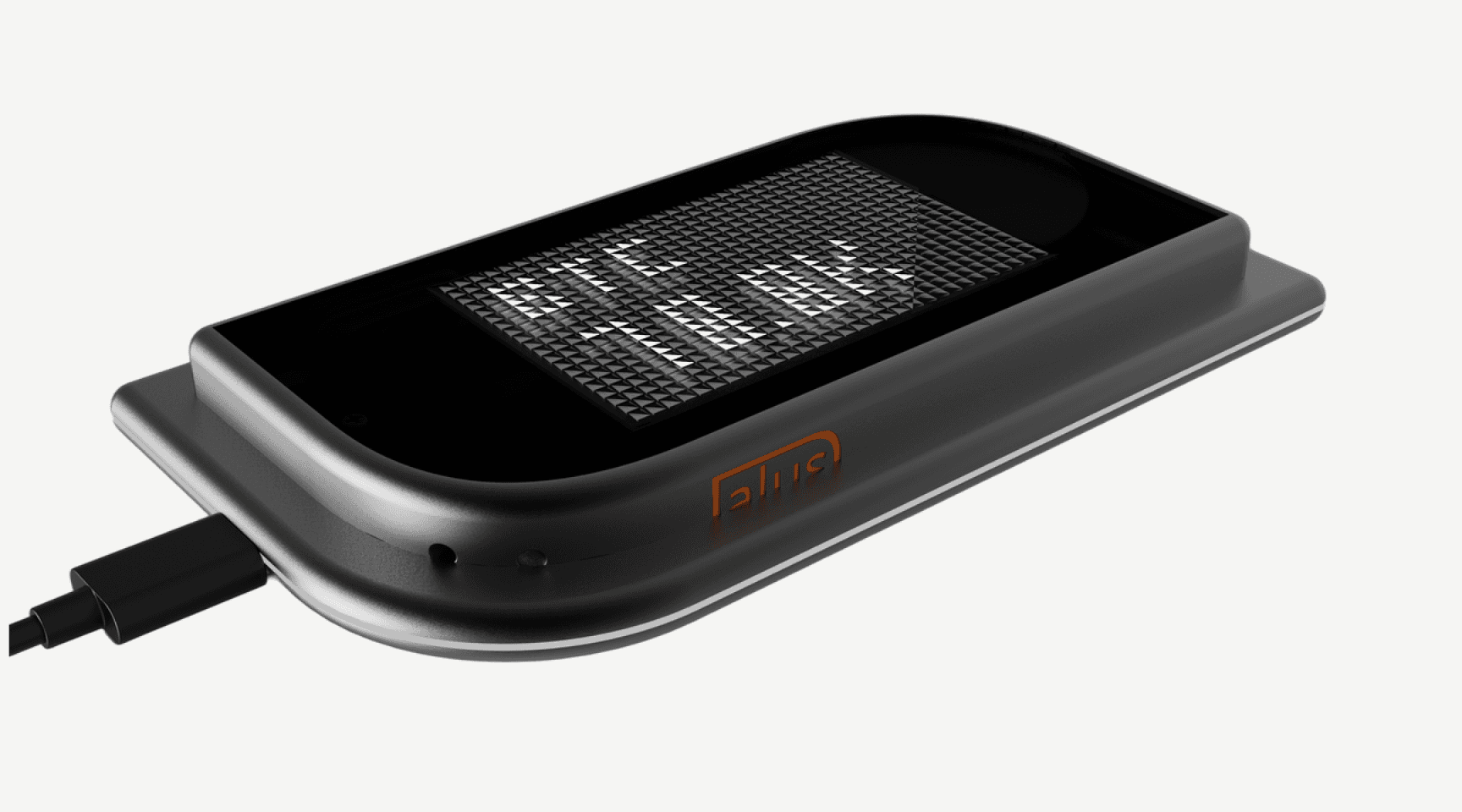
White · idle or pairing

Red · 20% or lower

Green · fully charged
CMF

Graphite · orange dial

Forest green

Blue

Red
Human interaction

Packaging
Specified as recycled cardboard and paper.

Specs
Raspberry Pi Zero
600px dot matrix
NFC
Wireless charge
Biometric sensor
Infinite-scroll dial
Zinc die-cast frame
CMF / assembly
Deep Sea Blue · Forest Slate · Oxide Red
Forest Slate
#3E4F3C
Deep Sea Blue
#1B3A4B
Oxide Red
#8B3A2F
600 px dot matrix. Raspberry Pi Zero.
Infinite scroll dial. Scroll sensor. NFC. Biometric sensor.
Zinc housing frame. Wireless charging dock.
White is idle/pairing. Red is 20% or lower. Green is fully charged.
Use
Set Alus on the dock. Authenticate on the biometric sensor. The dashboard opens.
Next project
Beams
Next case study